New in LexWorkplace
March 26, 2026
In This Release
New: Default Matter Permissions
New and Updated Rights
Miscellaneous Bugfixes and UX Improvements
Default Matter Permissions
By default, existing and newly-created Matters are open and accessible to all members of your firm (until this release, this default could not be changed).
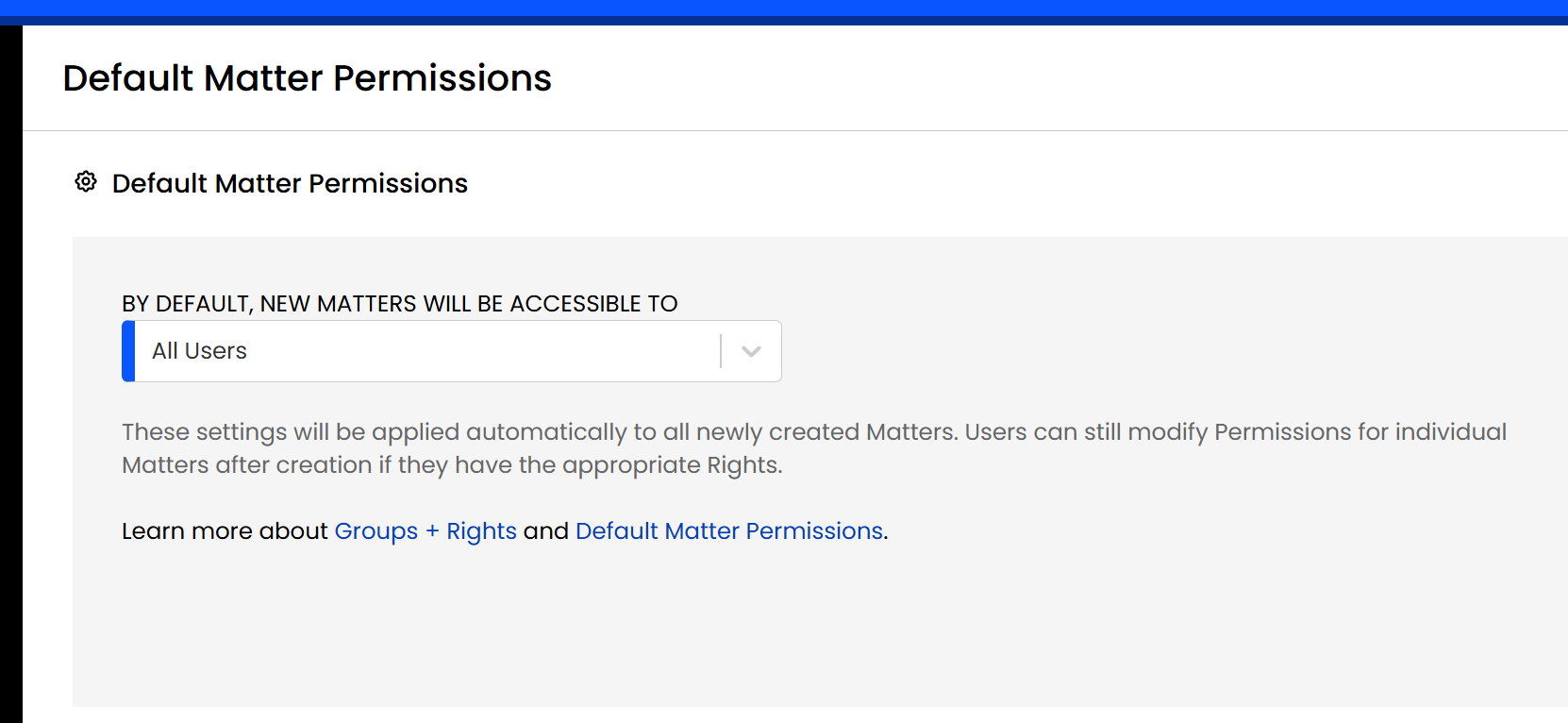
With this update, you can now change this default behavior by defining explicit Default Matter Permissions. Simply navigate to:
Settings > Permission & Access > Default Matter Permissions
Then, define your preferred Default Matter Permissions. What you specify here will be applied to all new Matters upon creation, going forward.
Learn more in our How-To Guide: Default Matter Permissions
New + Updated Rights
In a recent update, we released Groups + Rights Management, where administrators can define what users (groups) can perform what actions and what they cannot.
In this update, we’ve added and updated a number of new Rights to give you even more granular control over your firm and its data.
Right | In This LexWorkplace Update | Description |
|---|---|---|
Manage Default Matter Permissions | New (Added) | The ability to set/configure Default Matter Permissions |
Permanently Delete (Empty Trash Bin) | New (Added) | The ability to empty the Trash Bin, permanently deleting its contents* |
Override Document Lock | New (Added) | The ability to override and unlock a Document lock (a document that is in use or checked out)* |
See and Manage Shares | Updated | Users with this Right can now reset the Share duration/window, resend, and revoke Shares* |
*This operation was previously only available to Firm Admins.
You can manage the Rights for any given Group by navigating to that Group.
Learn more in our How-To Guide: Groups + Rights Management