This article had been deprecated
The ability to limit Client and Matter creation to specific users has been replaced with a comprehensive system of user Groups and Rights, which allows firm administrators to allow (or deny) the Right to perform a number of actions and operations in LexWorkplace.
LexWorkplace allows you to limit who, in your firm, can create new Client and Matter records.
Specifically, you can limit creation of both Clients and Matters to:
Specific, named users
Specific Groups (including Firm Admins or groups created by your firm)
By default, all users in your firm can create Clients and Matters. To restrict creation, members of your Firm Admins group can narrow the scope of who can create Clients and Matters in your LexWorkplace account.
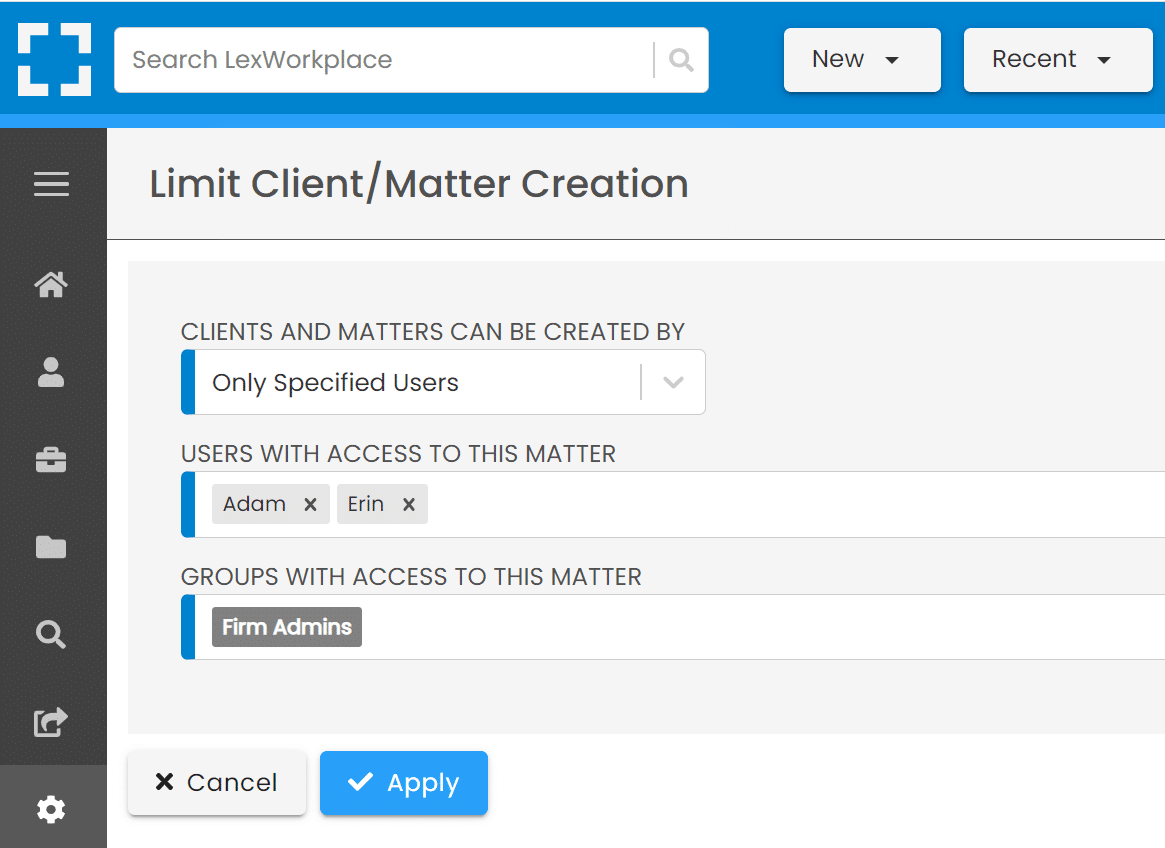
From here:
Change Clients and Matters Can Be Created By from All Users to Only Specificed Users
Select the users and groups that should be able to create Clients and Matters
Note that Firm Admins cannot be removed from this list.