Applies To
LexWorkplace Starter, Core, Advanced
By default, existing and newly-created Matters are open and accessible to all members of your firm.
You can change this default behavior by defining explicit Default Matter Permissions.
How to Change Default Matter Permissions
To change this default going forward, navigate to:
Settings > Permission & Access > Default Matter Permissions
Here, you will see the LexWorkplace default setting, where, upon creation, new Matters will be accessible to all users.
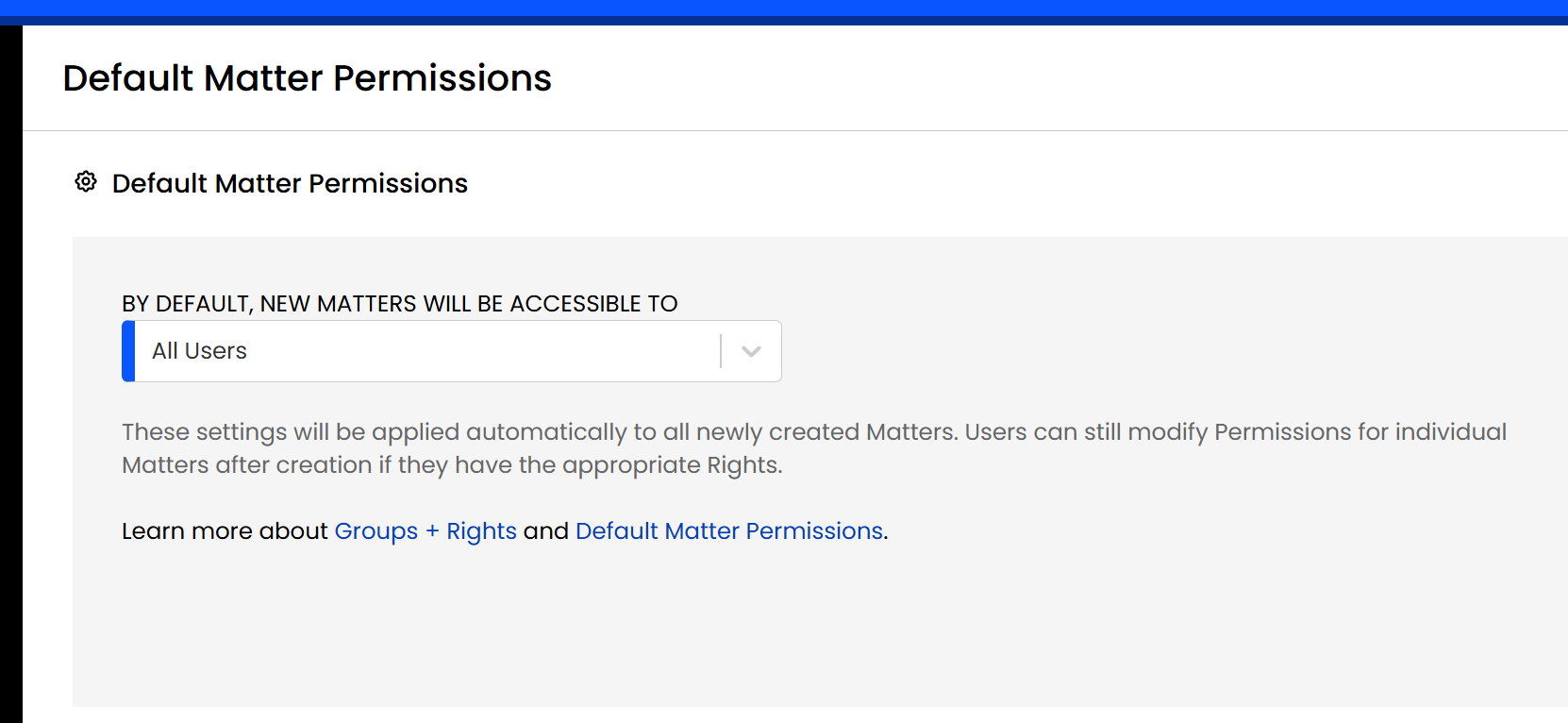
From here, you can define what users and groups, by default, will have access to new Matters when created.
Note: Existing Matters
Changing the Default Matter Permissions will effect all new Matters created going-forward, but it will not modify the Permissions of existing Matters (those can still be manually adjusted).
Add Self Setting
When limiting the Default Matter Permissions to specific users/groups, you’ll also see an option: "Allow users to add themselves to new matters they create (even if they would otherwise not have access to a new Matter).”
A user in your firm might have the Right to create new matters, but may also not be among the users or in a group given access to Matters by default. By enabling this toggle, users can always add themselves to new Matters they create, even if they’re not in the list of users/groups: “By default, new Matters will be accessible to.”
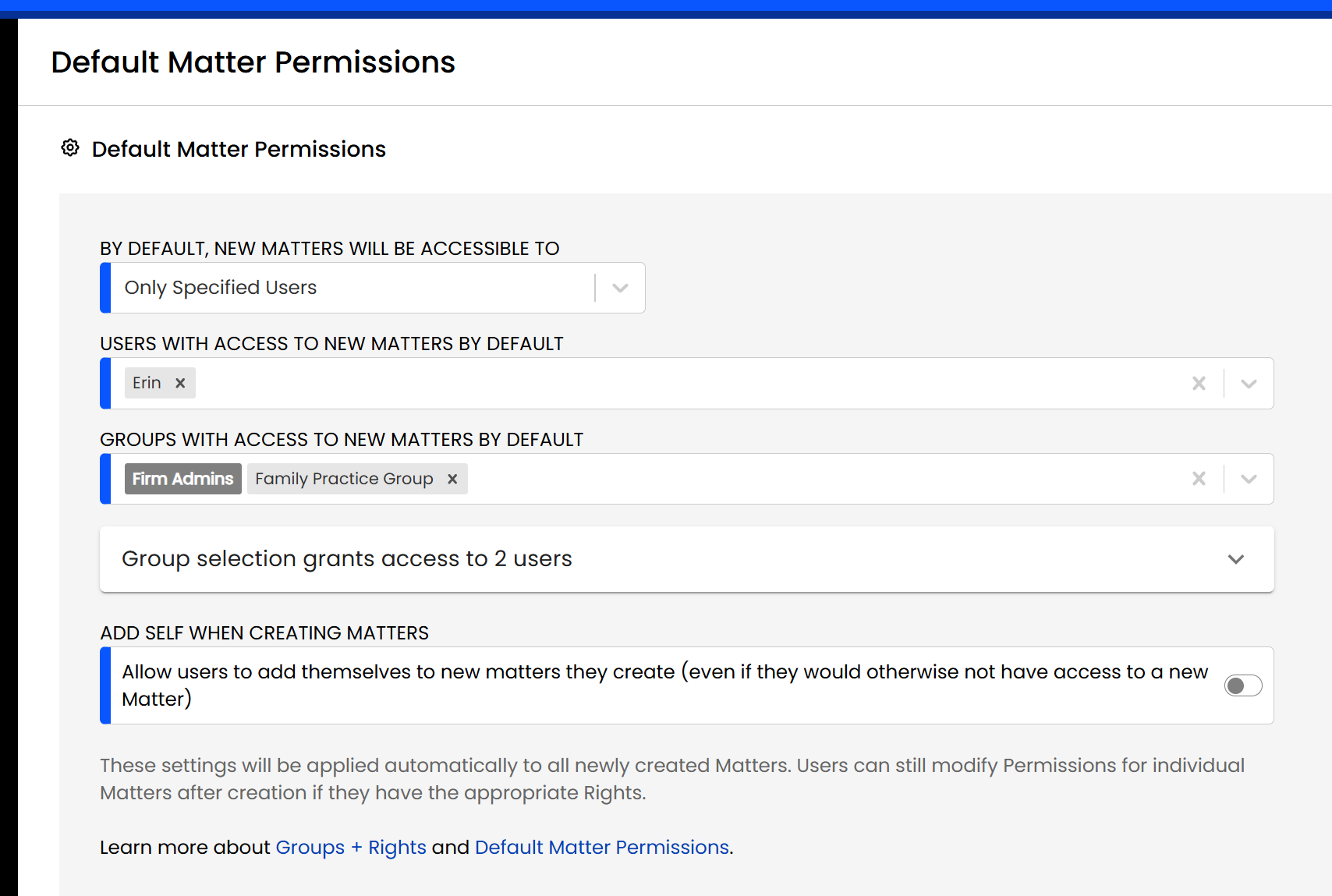
Here, you can define the default permissions for new Matters when created. Each new Matter going forward will effectively copy the permissions defined here.
Related: Groups + Rights Management